Buy a ready-made route, or rent your own server?
Same job on hotel Wi-Fi. Different owner of the server.
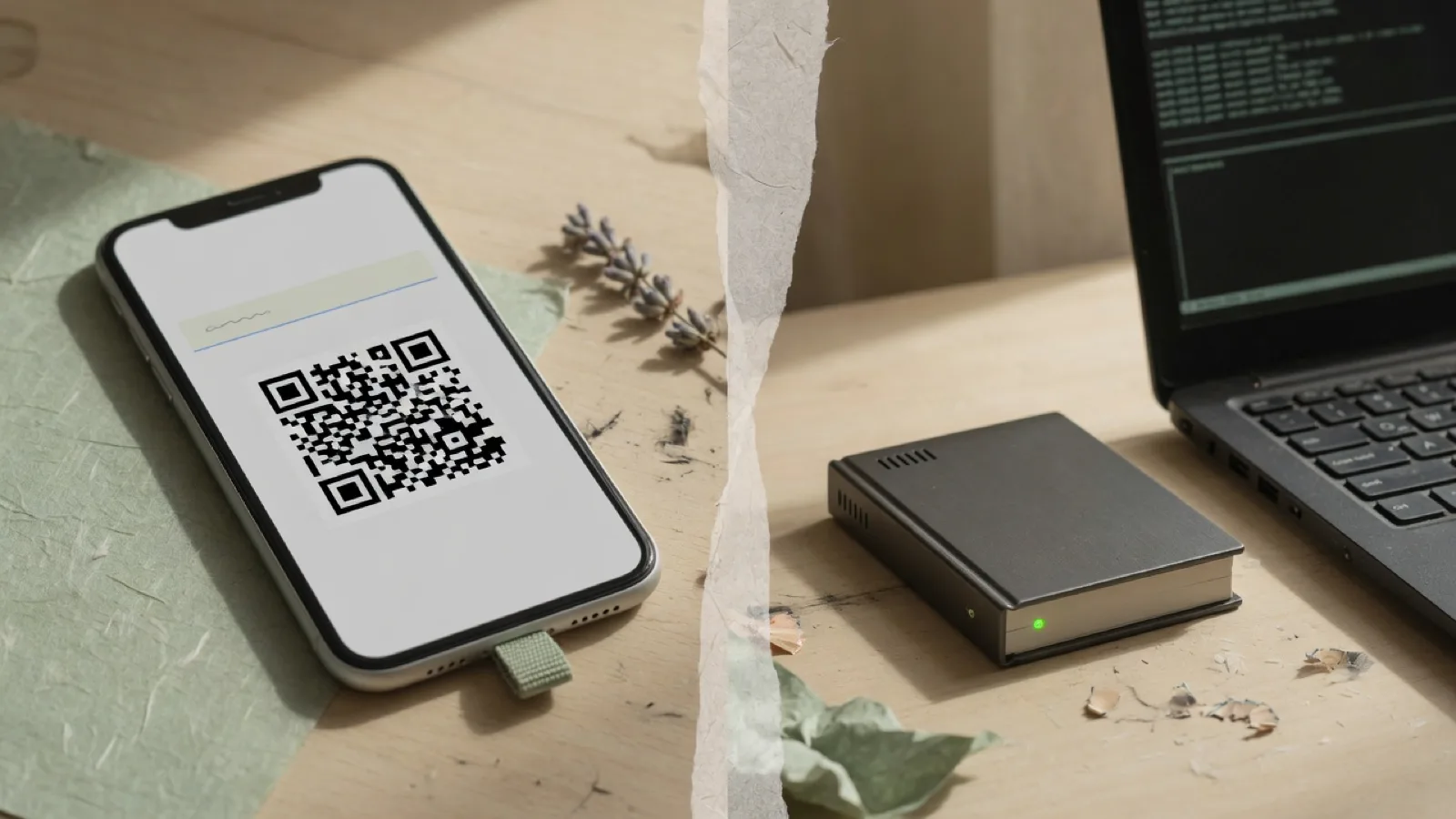
At a glance
A ready-made route (JMS) is pay, copy a link, paste. Your own server means renting one and setting it up first. Start with JMS unless you enjoy the technical side.
Same job, different owner
Both give you an overseas route so Google and WhatsApp work on hotel Wi-Fi. Smart mode keeps WeChat and Alipay direct either way. The difference is who looks after it: with Just My Socks (JMS) the provider does; with a VPS — a server you rent — you do.
JMS: pay, copy a link, import
Buy a monthly plan — about US$5.88 as a reference, not a live price. In the dashboard open Services → My Services, copy the subscription URL, import it in the official Jamjams↗ app, enable Smart routing, then connect. The provider maintains servers and may replace endpoints. The site is often unreachable from mainland China, so finish purchase and import before you fly. Check traffic and simultaneous-device limits. Shared IPs are possible. Treat the link like a password. See the JMS setup path.
VPS: rent, deploy, then import
Choose an overseas VPS with routing that is commonly used toward China — Los Angeles, Tokyo or Hong Kong are the locations this site compares. An AI assistant can install a maintained protocol such as VLESS-Reality and give you a link. After the server and access are ready, the setup flow is about 3–5 minutes; actual deployment may take longer. Do not run an unreviewed one-line installer. Import the link into a compatible client such as Anywhere Proxy, then use Country Bypass → China mainland. A dedicated IP is not a guarantee of access. Keep the plan paid, apply security updates, and stop billing when the trip ends — shutting the machine down may still charge you. See the VPS setup path.
How to choose for this trip
Want Google on hotel Wi-Fi without anything technical? Start with JMS. Choose a VPS only if you actually want to look after a server. A longer stay, a larger group or a higher budget does not automatically mean a VPS. Do not buy both unless you need a second recovery path. Keep a travel eSIM as backup. Then pick a plan and follow the matching setup steps.
A few more notes for your journey.
What is Just My Socks?
Pay, copy one link, paste it into the Jamjams app. No server to manage.
3 MIN READ ↗Keep WeChat fast while Google uses your VPN
Turn on smart mode, then test your everyday apps.
3 MIN READ ↗Several overseas setups exist. Which should you pick?
Use the app your provider recommends — no need to learn the names.
Put what you learned into practice.
Got your route? Follow the VPN app setup steps for your device.