Skip to content
RoamChinaCHINA, CONNECTED
ROAMCHINA/CONNECTIONS / HOTEL WI-FI

Get online on hotel Wi-Fi

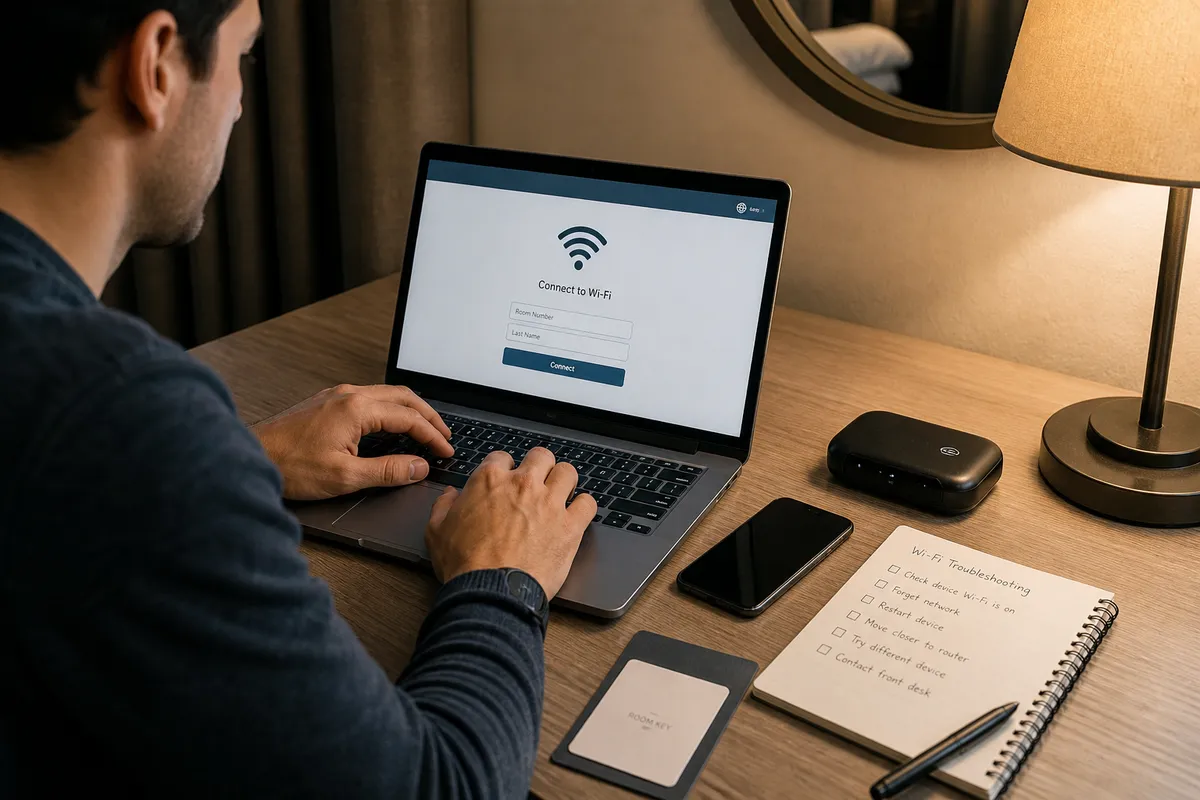
Hotel Wi-Fi is an ordinary Chinese network, so Google and WhatsApp won’t load on it. The easiest fix is a ready-made route: pick a plan, install its app, paste a link. Keep using your travel eSIM when you are out.

Understand the cost. Follow the connection.
Pricing notes

USD reference prices, reviewed 6 Sep 2026. eSIM prices vary with data and validity; the entry price is not a full-trip quote. VPS examples depend on location and stock; confirm checkout pricing. Free Tailscale software needs your own online device and internet; those costs are separate.

If mobile data is enough for you, you can skip this page. Use your travel eSIM when out; use one of these only for overseas apps on hotel or other Wi-Fi in China. Will my usual VPN work in China? ↗
01

Buy ready-made, or do it yourself

01

Ready-made route / Just My Socks (recommended)

Buy it, then paste their link into the recommended app. They look after the servers.

02

Your own server (advanced)

Rent a server, let AI set it up and give you a link, then add it to the app. About 3–5 minutes once the server is ready; after that you just connect and renew.

03

Tailscale / Your computer back home (advanced)

Leave a computer on at home and your phone can go online through it. Test the speed, and that it reconnects, before you fly.

02

Pick a plan and get your link

Prices, plans and supported apps are set by each provider. Some links are affiliate links, so we may earn a small commission.

Step 1: Ready-made route or your own server

Different plans and devices use different apps. Once you have your link, pick your device below and follow the steps.

First: how this differs from a ready-made route

1

1. Pick a provider and rent a server

Compare DMIT and Vultr on location, price and availability. A brand name can’t promise speed on your connection.

DMITCompare the specific plan’s routingCheck current availability

Reference: from US$10.90 / month · Confirm location and checkout price

Order VPS on DMIT →
💡 How we picked: After purchase, let an AI agent generate the subscription and import it into your client. Renew monthly plans before expiry to keep the configuration; troubleshoot or contact support if the route fails.
Why these, where, and who runs themOptionalRoute quality, distance to China, and provider background
✓Compare total recurring cost, transfer allowance and the traffic overage policy.
✓Test the selected region and route with your expected carrier; a nearby region is not a speed guarantee.
✓Keep SSH access and a tested recovery route. Review generated deployment commands before use.
Suggested locations: 洛杉矶 (Route-dependent) · 香港 (Route-dependent) · 东京 (Route-dependent)
🏢DMIT(See provider information)A comparison option, not an availability guarantee
  • •Review terms, refunds and recovery options before ordering.
  • •AI can handle initial setup. Usually no daily intervention is needed; keep billing active.
2

2. Copy the prompt and let an AI assistant set it up

Copy the prompt into your AI agent, connect your purchased server, and ask it to generate a subscription link or QR code. Allow around 3–5 minutes for the setup flow once the server and access are ready; deployment may take longer. No manual command-by-command installation is required. Import the result into your client, then keep billing active; daily intervention is usually unnecessary.

ai-deployment-prompt.txt
Please carefully read https://roamchina.app/vps.md and help me complete this task.
👉After deployment: save your configuration and open App Setup. Choose your device and check protocol support.
Check provider informationOptionalOfficial sites, current plans and support instructions

These are examples to compare, not an exhaustive market ranking or an availability guarantee. Check plans, refunds, device limits and support on official sites. Evaluate the specific route and location rather than relying on a broad brand claim.

Just My SocksProvider reference

BandwagonHost / IT7 Networks Inc. · Current terms on official site

Use the official website to review current plans, support and refund terms. This is an outbound reference, not a guarantee of performance or availability.

★ Review the specific planVisit →
DMITProvider reference

DMIT Inc. (USA) · Current terms on official site

Use the official website to review current plans, support and refund terms. This is an outbound reference, not a guarantee of performance or availability.

★ Review the specific planVisit →
VultrProvider reference

The Constant Company LLC (USA) · Current terms on official site

Use the official website to review current plans, support and refund terms. This is an outbound reference, not a guarantee of performance or availability.

★ Review the specific planVisit →
03

Got your link? Add it to your phone or laptop

Matched to your VPS. Choose device → download → import the AI-generated subscription or QR code → connect.

You chose your own server. We only list simple, free apps that support VLESS-Reality and Hysteria 2.

Anywhere ProxySelf-hosted VPS · Country Bypass
Works with:VLESSHysteria2ShadowsocksTrojananyTLS
Download the app↓

Alt: Hiddify / Streisand(Free App Store alternative for VPS)

Step by step

1Install from Overseas App Store

Check availability in your own App Store region and install before departure. Avoid shared accounts; understand effects on subscriptions and purchases before changing regions.

2Import Node or Subscription

Open Anywhere Proxy and add a subscription: paste the URL, or scan the QR from your VPS setup.

3Turn on Country Bypass

Open Country Bypass and check China mainland. WeChat, Alipay, and maps stay on a direct path; Google and WhatsApp use the node.

4Tap Connect & Grant Permission

Connect. On first run, iOS will ask to Add VPN Configurations — tap Allow and verify with Face ID or passcode.

Things that trip people upOptionalSmart mode, downloading the app, preparing at home
  • •Use Anywhere Proxy for a self-hosted VPS. Just My Socks should use official Jamjams instead.
  • •Country Bypass with China mainland checked is the daily mode. Do not send WeChat and Alipay overseas.
  • •Check availability in your own App Store region and install before departure. Avoid shared accounts; understand effects on subscriptions and purchases before changing regions.
04

Before you rent a server

Having a server to yourself doesn’t guarantee speed or that it always works. Think about which network you’ll use and when.

01

Location and real-world speed

The closest location isn’t always the fastest. How carriers connect and evening rush hours both matter.

02

Monthly cost and renewal

Renew before it expires to keep your setup. Note: Vultr charges by the hour until you delete the server.

03

If something breaks

Read the provider’s address-change, refund and support rules. Save your settings and keep another way to get online.

YOUR NEXT STOP

Setup complete? Check the connection.

Open Google, WhatsApp, WeChat and Alipay, then check the network you are using.

Check this network