Skip to content
RoamChinaCHINA, CONNECTED
ROAMCHINA/CONNECTIONS / HOTEL WI-FI

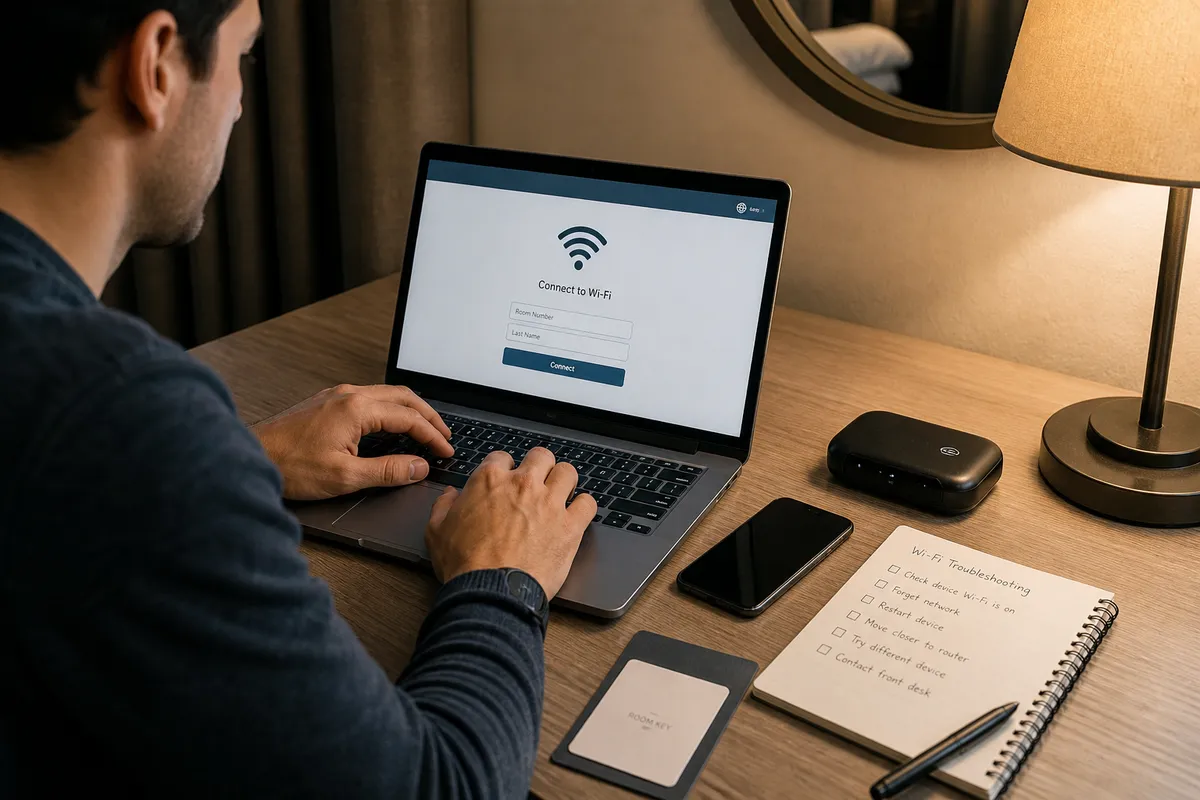
Get online on hotel Wi-Fi

Hotel Wi-Fi is an ordinary Chinese network, so Google and WhatsApp won’t load on it. The easiest fix is a ready-made route: pick a plan, install its app, paste a link. Keep using your travel eSIM when you are out.

Understand the cost. Follow the connection.
Pricing notes

USD reference prices, reviewed 6 Sep 2026. eSIM prices vary with data and validity; the entry price is not a full-trip quote. VPS examples depend on location and stock; confirm checkout pricing. Free Tailscale software needs your own online device and internet; those costs are separate.

If mobile data is enough for you, you can skip this page. Use your travel eSIM when out; use one of these only for overseas apps on hotel or other Wi-Fi in China. Will my usual VPN work in China? ↗
01

Buy ready-made, or do it yourself

01

Ready-made route / Just My Socks (recommended)

Buy it, then paste their link into the recommended app. They look after the servers.

02

Your own server (advanced)

Rent a server, let AI set it up and give you a link, then add it to the app. About 3–5 minutes once the server is ready; after that you just connect and renew.

03

Tailscale / Your computer back home (advanced)

Leave a computer on at home and your phone can go online through it. Test the speed, and that it reconnects, before you fly.

02

Pick a plan and get your link

Prices, plans and supported apps are set by each provider. Some links are affiliate links, so we may earn a small commission.

Step 1: Ready-made route or your own server

Different plans and devices use different apps. Once you have your link, pick your device below and follow the steps.

Just My SocksThey run the servers · You install one app

From US$5.88 / month · LA 500: 500GB/month, 5 devices. Copy your subscription after purchase.

How to buy and set up

1Review the plan

On their site, check the price, renewal, supported apps and device limit. Buy before you fly; the site can be hard to reach from China.

2Copy your link and keep it private

Find your link in your account (Services › My Services). Treat it like a password and don’t share screenshots of it.

3Add the link to the app

Below, pick Just My Socks and your device, then follow the steps. Android has its own instructions.

Why we suggest it, and who runs itOptionalWhat happens if it stops working, keeping China apps fast, and who runs it

Before you buy

  • ✓Before ordering, check how many devices it allows, how much data is included and how often you pay.
  • ✓It isn’t mobile data. It works on top of Wi-Fi or your eSIM, so you still need one of those.
  • ✓Install their app and save your login details before you fly — their website is often hard to open from China.
  • ✓They look after the servers for you, but no service can promise every app works every minute.
🛡️Provider information: Just My Socks
Provider documentation

Service terms and supported configurations come from the provider. RoamChina is a guide and cannot activate, refund or repair your subscription.

👉After copying your subscription URL: open Client Setup and choose your device. Android uses the current provider instructions. Save your setup and official support details before departure.
Check provider informationOptionalOfficial sites, current plans and support instructions

These are examples to compare, not an exhaustive market ranking or an availability guarantee. Check plans, refunds, device limits and support on official sites. Evaluate the specific route and location rather than relying on a broad brand claim.

Just My SocksProvider reference

BandwagonHost / IT7 Networks Inc. · Current terms on official site

Use the official website to review current plans, support and refund terms. This is an outbound reference, not a guarantee of performance or availability.

★ Review the specific planVisit →
DMITProvider reference

DMIT Inc. (USA) · Current terms on official site

Use the official website to review current plans, support and refund terms. This is an outbound reference, not a guarantee of performance or availability.

★ Review the specific planVisit →
VultrProvider reference

The Constant Company LLC (USA) · Current terms on official site

Use the official website to review current plans, support and refund terms. This is an outbound reference, not a guarantee of performance or availability.

★ Review the specific planVisit →
03

Got your link? Add it to your phone or laptop

Matched to Just My Socks. Choose device → download → paste your subscription into the app → connect.

You chose Just My Socks. On iPhone, Mac and Windows use Jamjams; on Android, follow the provider’s latest instructions.

JamjamsOfficial Just My Socks app · Smart mode
Works with:Shadowsocks

Step by step

1Install Jamjams before you fly

Find Jamjams in your own App Store and install it at home. Do not use a shared Apple Account; region changes can affect subscriptions and purchases. Listing: apps.apple.com/us/app/jamjams/id6477182037.

2Paste your link

Open Jamjams, tap Add Servers, and paste your Just My Socks link (or scan its QR code).

3Turn on Smart routing

Turn on Smart routing. WeChat, Alipay and maps connect directly; Google and WhatsApp go the overseas way.

4Tap Connect and allow

Tap Connect. The first time, iPhone asks to Add VPN Configurations — tap Allow and confirm with Face ID or your passcode.

Things that trip people upOptionalSmart mode, downloading the app, preparing at home
  • •Jamjams is the official Just My Socks app. For other clients and Android, check the provider’s current compatibility instructions.
  • •Keep Smart routing on, so WeChat and Alipay don’t take a detour abroad.
  • •Check availability in your own App Store region and install before departure. Avoid shared accounts; understand effects on subscriptions and purchases before changing regions.
04

Keep a backup

A ready-made route can occasionally fail. Keep a travel eSIM for days out and backup. Have a computer at home that stays on? Tailscale is another option.

YOUR NEXT STOP

Setup complete? Check the connection.

Open Google, WhatsApp, WeChat and Alipay, then check the network you are using.

Check this network