Go online through your computer back home
For travellers who leave a computer switched on at home.
Pricing notes
USD reference prices, reviewed 6 Sep 2026. eSIM prices vary with data and validity; the entry price is not a full-trip quote. VPS examples depend on location and stock; confirm checkout pricing. Free Tailscale software needs your own online device and internet; those costs are separate.
At a glance
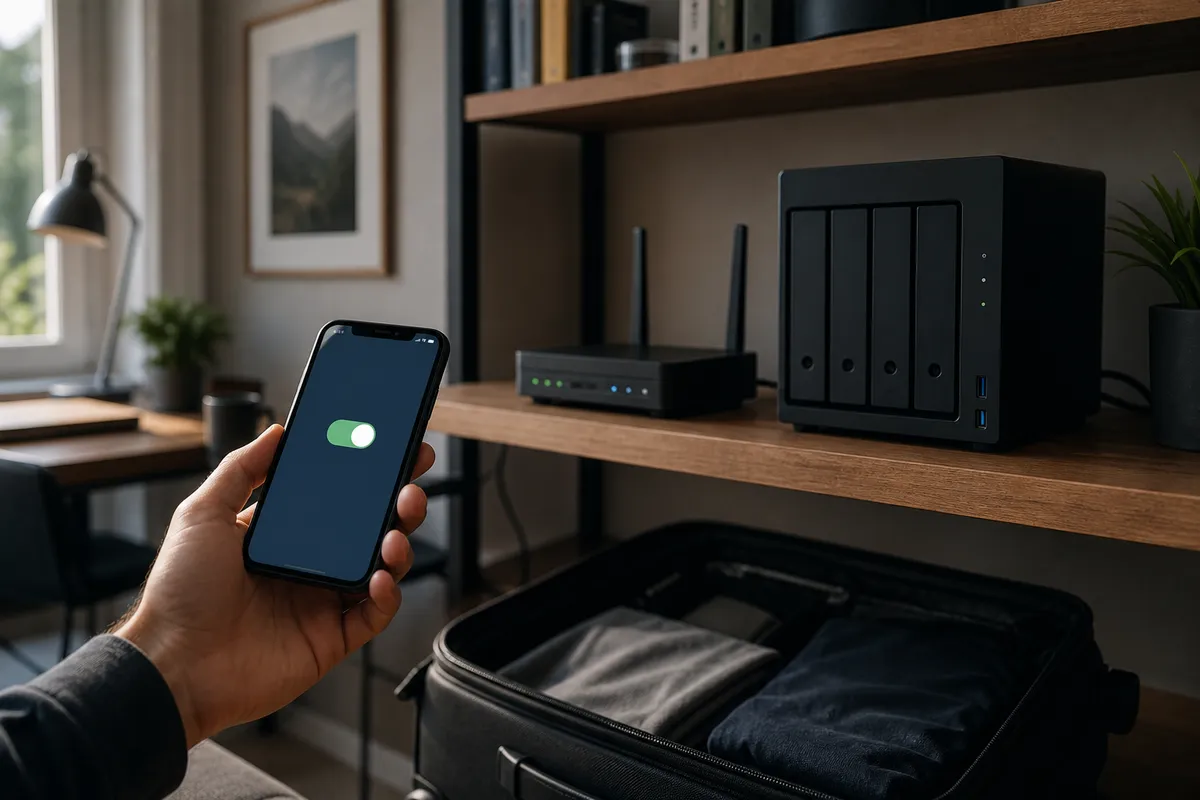
Tailscale links your own devices. A computer left on abroad can carry your iPhone’s internet, but it must stay on, and China apps are not kept local by themselves.
What Tailscale is
Tailscale is a mesh VPN built on WireGuard. Sign the same account into several devices and they can reach each other privately, as if they were on one LAN. An exit node↗ is one of those devices that can send your iPhone’s internet traffic out through its network. For a China trip that only helps if the exit sits outside mainland China, stays powered on, and already has working overseas internet. Tailscale is not a travel eSIM, not a commercial VPN brand, and not a Just My Socks subscription. You are borrowing a machine you already own.
A short setup path
Start on the overseas computer or NAS: install Tailscale, sign in, enable it as an exit node, and approve that role in the Tailscale admin console↗. Some systems also need IP forwarding — follow the official guide↗ for that OS.
Then on the iPhone: install Tailscale from the App Store, join the same tailnet, allow the iOS VPN prompt, and choose that overseas device under Exit Node.
Test two apps. Open something international such as Google or WhatsApp, then something local such as WeChat or maps. If local apps misbehave, turn the exit off. Keep a travel eSIM. On mainland networks Tailscale may fall back to relays↗ that are slow or unavailable.
Check whether this fits your trip
This is an advanced option if you already maintain a device abroad and can recover it if it disconnects. Do not buy a server solely because Tailscale appears in a comparison table. An ordinary roaming plan or managed subscription may better suit a holiday with little maintenance time.
Use the official device-specific setup
Follow the official exit-node guide↗: prepare the host, enable and approve its exit-node role as required, then select it on the traveling device. Follow the operating-system-specific forwarding and access instructions. Check device approval and key expiry, and save the recovery process offline.
Know what local-network access means
An exit node normally carries internet-bound traffic through the chosen device. Allow Local Network Access is about the local LAN, such as nearby devices; it is not a China internet bypass rule. Check local apps as well as international ones after enabling it.
Test the connection and keep a recovery path
Use a different network to test before departure. Tailscale connection types↗ explains direct and relayed connections; relays can have lower throughput. Overseas testing does not guarantee the same route after arrival. Keep a separate mobile connection and a way to disable the exit node if it fails. Check the current network.
A few more notes for your journey.
Why does WeChat work but Google won’t load?
The two-minute idea behind most internet surprises in China.
3 MIN READ ↗Keep WeChat fast while Google uses your VPN
Turn on smart mode, then test your everyday apps.
3 MIN READ ↗Several overseas setups exist. Which should you pick?
Use the app your provider recommends — no need to learn the names.
Put what you learned into practice.
Got your route? Follow the VPN app setup steps for your device.