Hotel Wi-Fi not working? Check these four things
Find the cause before you buy another service.
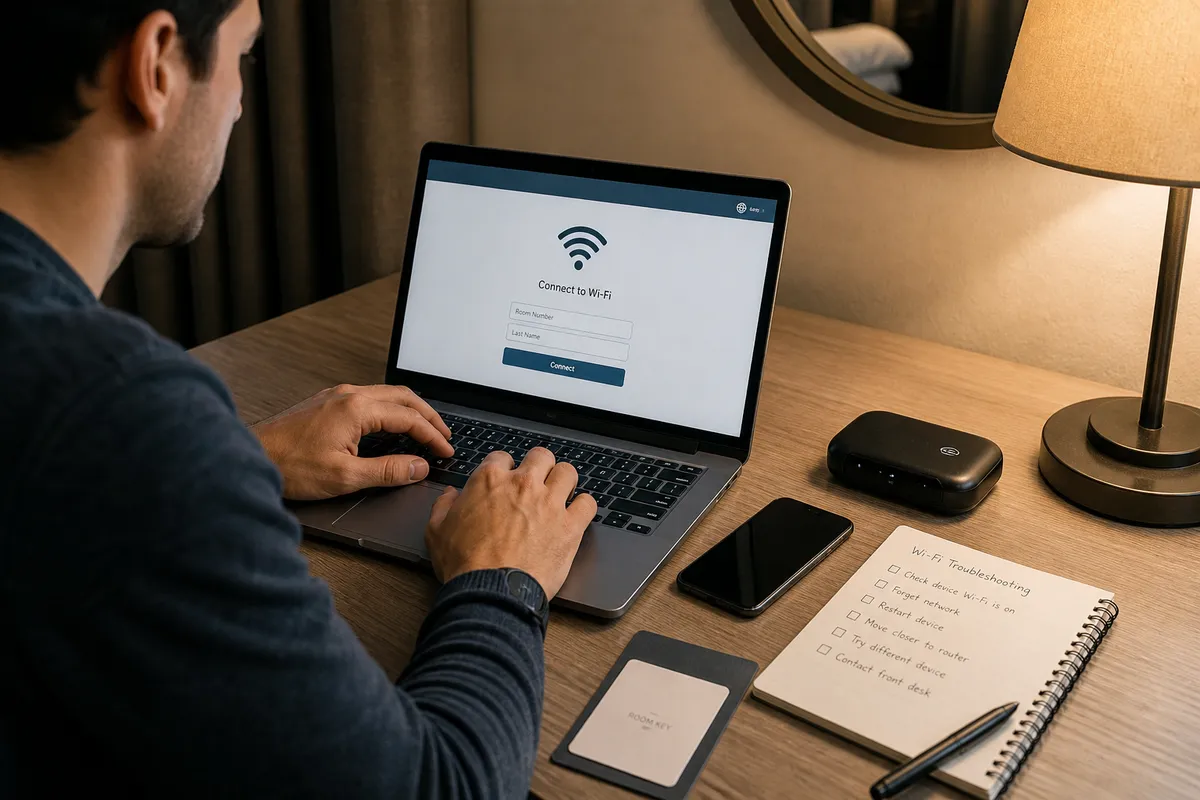
At a glance
Go in order: the Wi-Fi login, mobile data, your VPN app, then the app itself. Stop as soon as it works.
1. Make sure the Wi-Fi itself works
Ask reception for the network name and password, then open a Chinese site such as baidu.com. If a login page appears, finish it. If it will not load, turn your VPN app off for a moment. Never type account passwords into an unfamiliar page.
2. Try mobile data
Turn Wi-Fi off and open the same app. If it works now, the problem is the hotel network, not your phone or your eSIM.
3. Check your VPN app
Once the Wi-Fi works, turn your VPN app on. Check that it has not expired, and try another server in its list. If you share a laptop’s connection, keep the laptop awake. See app setup and sharing from a laptop.
4. Only one app broken?
Run the network check, then open the real app again. If only one app fails, read its error and check your account. A declined payment is a card or Alipay issue, not a Wi-Fi issue. Never share passwords or VPN links, even with support.
A few more notes for your journey.
Still stuck? Go step by step.
Three common problems, three steps each.