Why does eSIM work but hotel Wi-Fi doesn’t?
Your eSIM handles mobile data, not hotel Wi-Fi.
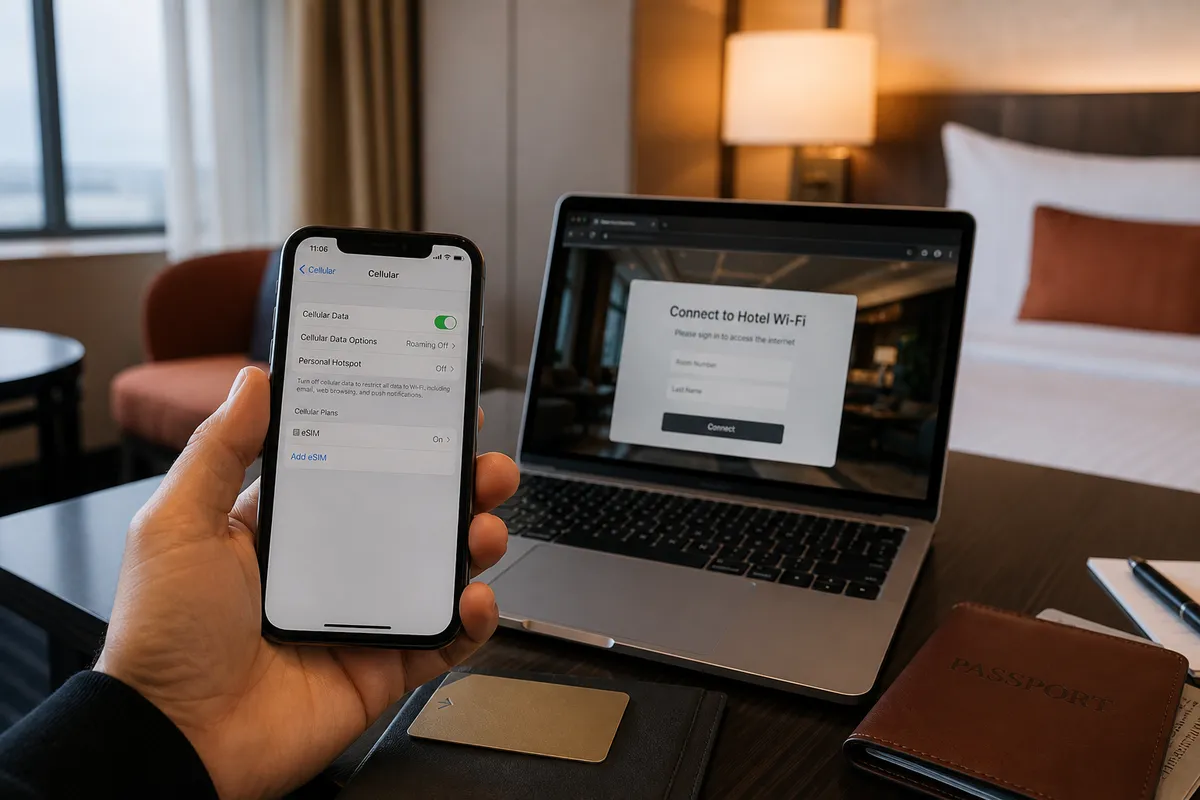
At a glance
Google works on mobile data but not on hotel Wi-Fi? That is expected. Turn Wi-Fi off for now, or add a VPN app for the hotel.
Why it happens
A travel eSIM sends your mobile data through its own overseas route, so Google opens. Hotel Wi-Fi is an ordinary Chinese network. Once the phone joins Wi-Fi, it stops using the eSIM for data.
What to do at the hotel
Quick fix: turn Wi-Fi off and keep using mobile data, if your plan has enough. For video calls, work or big downloads, set up a route for hotel Wi-Fi before you travel.
Before you buy an eSIM
Check that your phone supports eSIM and is not carrier-locked. Pick a plan that says mainland China and lists Google or WhatsApp, and check the data allowance and hotspot rules. Apple’s travel eSIM guidance↗ explains the device side. Save the order and support contact offline, and do not delete an installed eSIM while fixing problems.
A few more notes for your journey.
Why does WeChat work but Google won’t load?
The two-minute idea behind most internet surprises in China.
4 MIN READ ↗Why we recommend Trip.com’s eSIM
A mainland China travel eSIM to compare first — not a promise that every listing is identical.
3 MIN READ ↗Hotel Wi-Fi not working? Check these four things
Find the cause before you buy another service.
Tick off your phone before you fly.
A nine-item checklist. Ticks only record your own progress.