Prepare your apps, payments and verification codes
Install your apps, set up payments and keep your home number for texts.
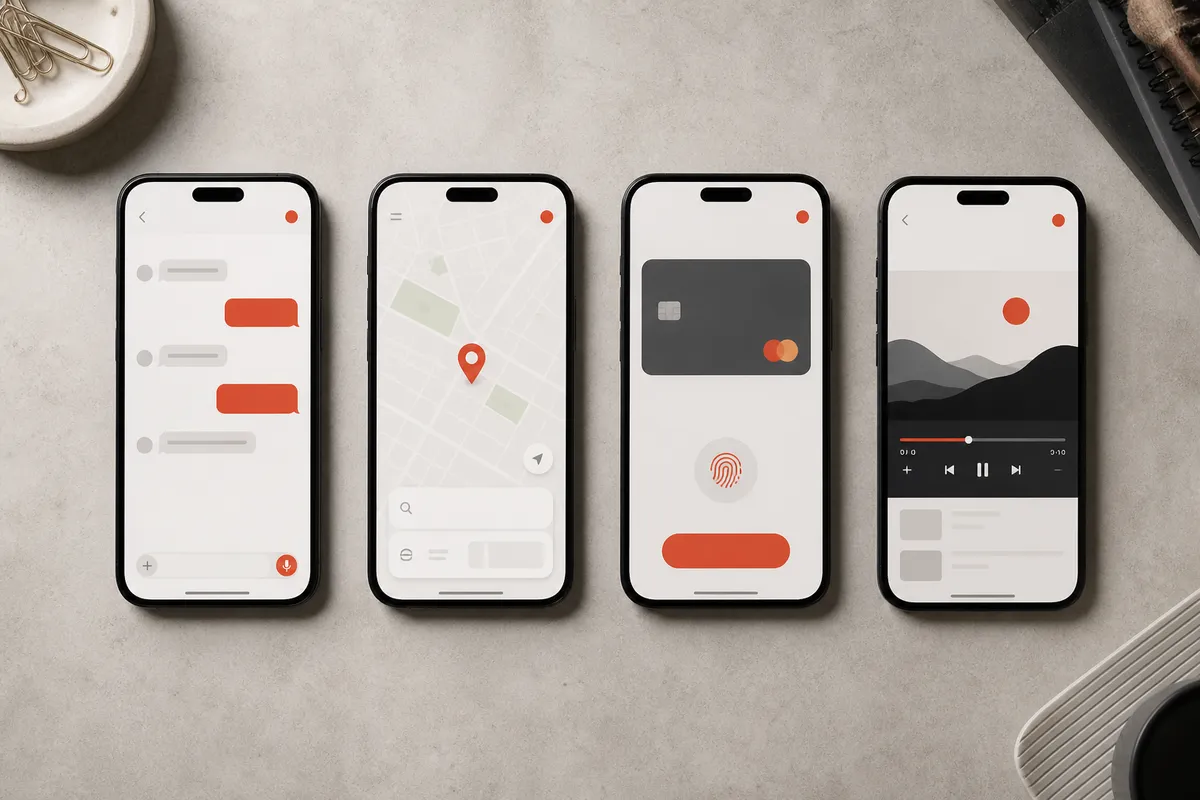
At a glance
Being online doesn’t mean you can pay or log in. Check your card works, keep your home number for texts, and screenshot addresses and maps.
Keep your home number accessible
Before you fly, sign in to your messaging, email and travel apps on your own phone. Many will text a code to your home number, and a data-only eSIM has no number — so keep your home SIM active (or know how you’ll get those codes). Use your own Apple or Google account, not a shared one.
Prepare payments separately
Set up Alipay or WeChat Pay at home and link your card by following their prompts. Whether your card works, and any fees, depend on the app and your bank — so bring a second card and some cash too. The official visitor payment guide↗ describes mobile payments, cards and cash as options; it does not guarantee every merchant accepts every method.
Save a local travel fallback
Screenshot your hotel address in Chinese, your bookings, local contacts and maps. Try the map, taxi or booking app you plan to use — familiar apps don’t always work the same in China. That way you can still show a driver where to go if your phone can’t get online.
Some apps have their own country rules
AI, streaming, banking and work apps may have their own country rules, separate from getting online. For example, check the ChatGPT supported-country list↗ — a VPN doesn’t change your eligibility. For a work phone or laptop, ask your employer first. Then tick off the phone-ready checklist.
A few more notes for your journey.
Why does WeChat work but Google won’t load?
The two-minute idea behind most internet surprises in China.
3 MIN READ ↗Do these 5 things before you fly
Apps, eSIM, payments and offline copies — sorted before boarding.
3 MIN READ ↗Hotel Wi-Fi not working? Check these four things
Find the cause before you buy another service.
Tick off your phone before you fly.
A nine-item checklist. Ticks only record your own progress.